
AI Skeleton Video Workflow
Go from a blank idea to a finished skeleton short video. AI writes the script, breaks it into scenes, generates reference frames, and animates each clip — all in one workflow.

AI Skeleton Video Workflow
No topics generated yet. Click the button above to get started.
Why Use an Integrated Workflow?
Most creators stitch together 4-5 different tools to make a single skeleton short. The AI Video Workflow puts everything in one place.
One Tool, Full Pipeline
Topic ideation, script writing, scene splitting, first frame generation, video animation, and download — no switching between apps.
Scene Consistency Built In
Each scene video is generated from its own first frame, so your skeleton character and visual style stay consistent across the entire video.
Edit at Every Step
Nothing is final until you say so. Edit the script, tweak scene descriptions, regenerate individual frames, or re-animate specific scenes.
15-30 Minutes Per Video
A 6-scene skeleton short takes 15-30 minutes from idea to download. That's fast enough to produce one video per day.
How It Works
Six simple steps. AI does the heavy lifting — you make the creative decisions.
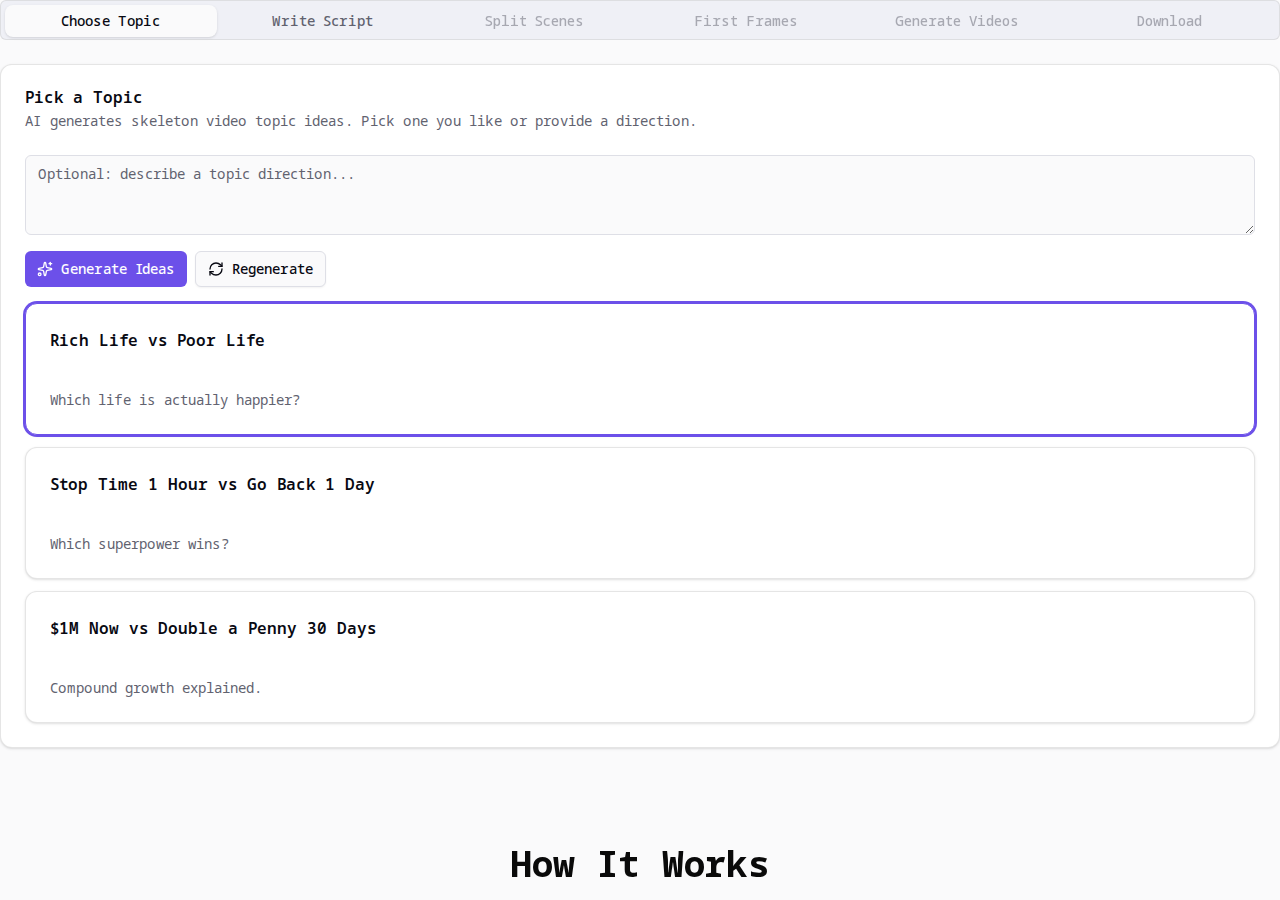
1. Pick a Topic
Tell AI what kind of video you want, or just click generate — it gives you 5 viral topic ideas optimized for TikTok, YouTube Shorts, and Instagram Reels. Pick the one you like.
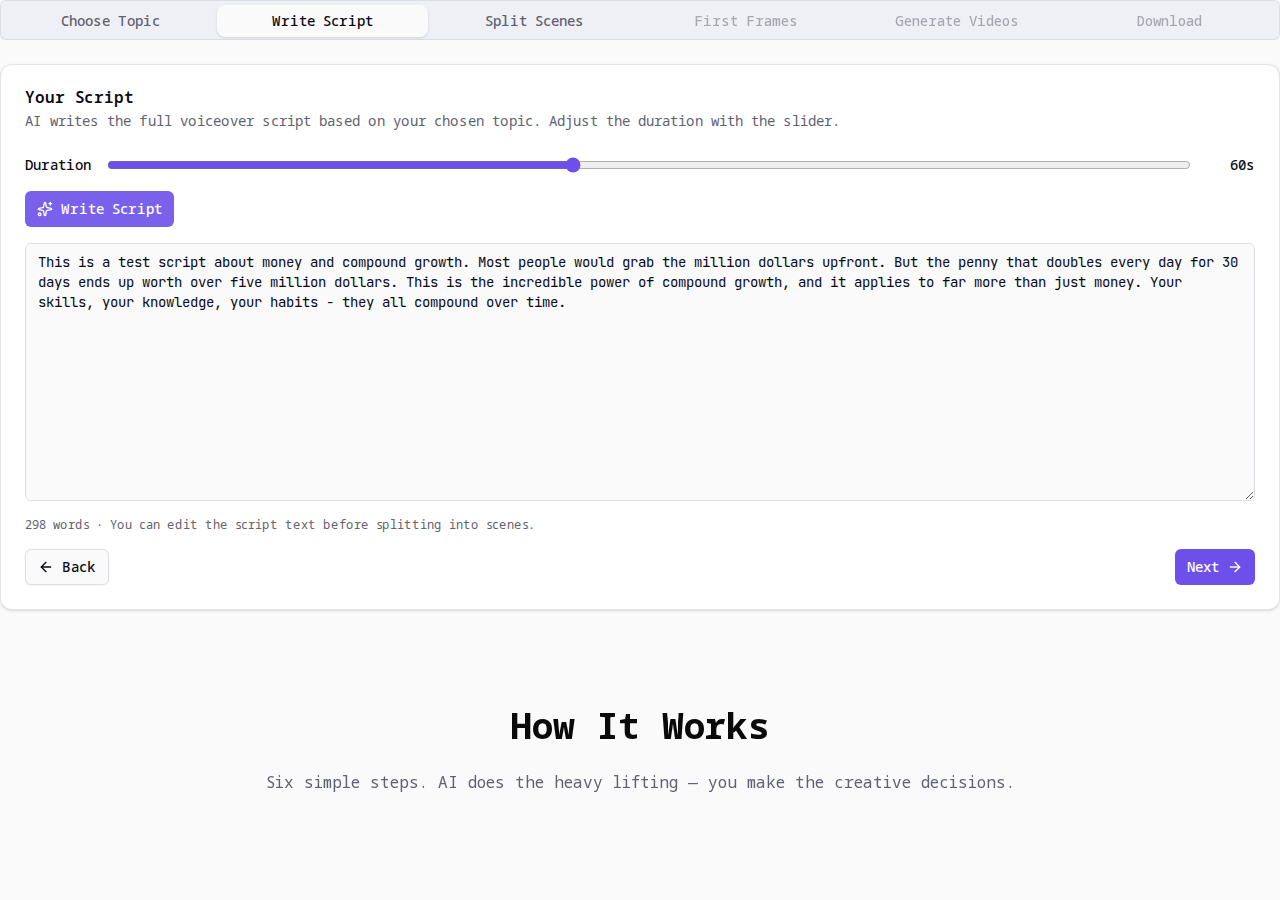
2. Write the Script
AI turns your chosen topic into a full voiceover script. Use the slider to set video length (15–120 seconds). You can edit the script anytime before moving on.
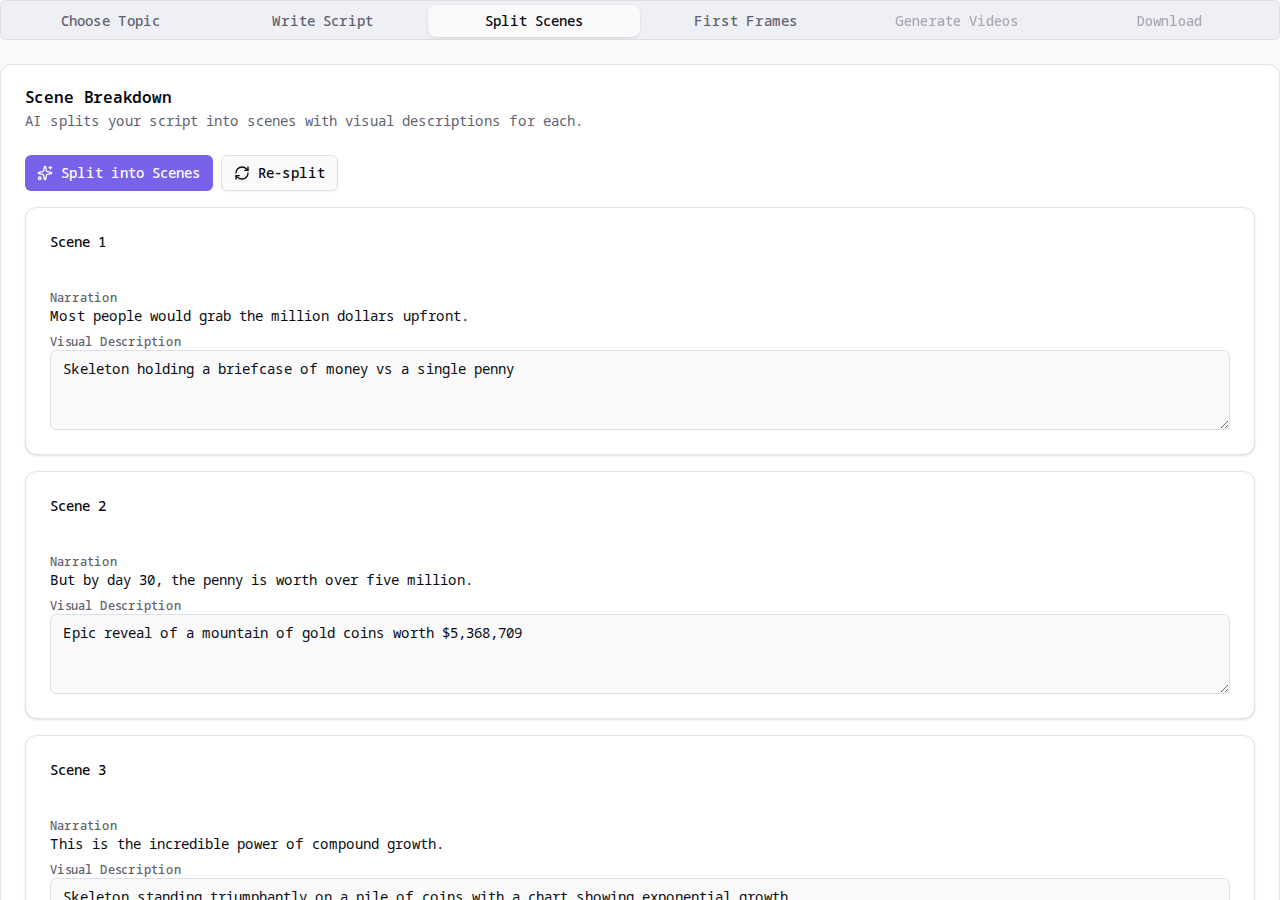
3. Split into Scenes
AI breaks your script into individual scenes — each with narration text and a visual description ready for image generation. You can tweak any description to match your vision.
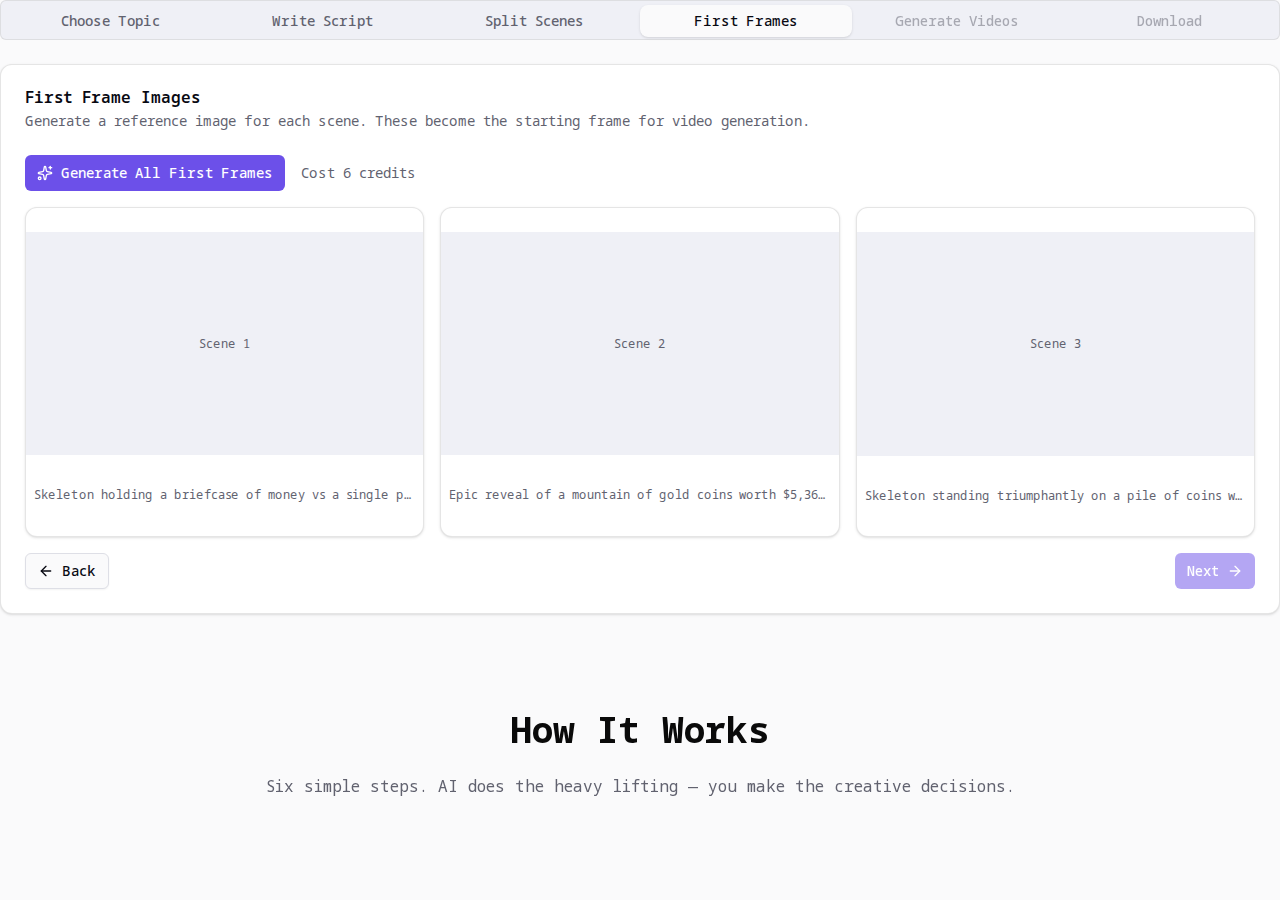
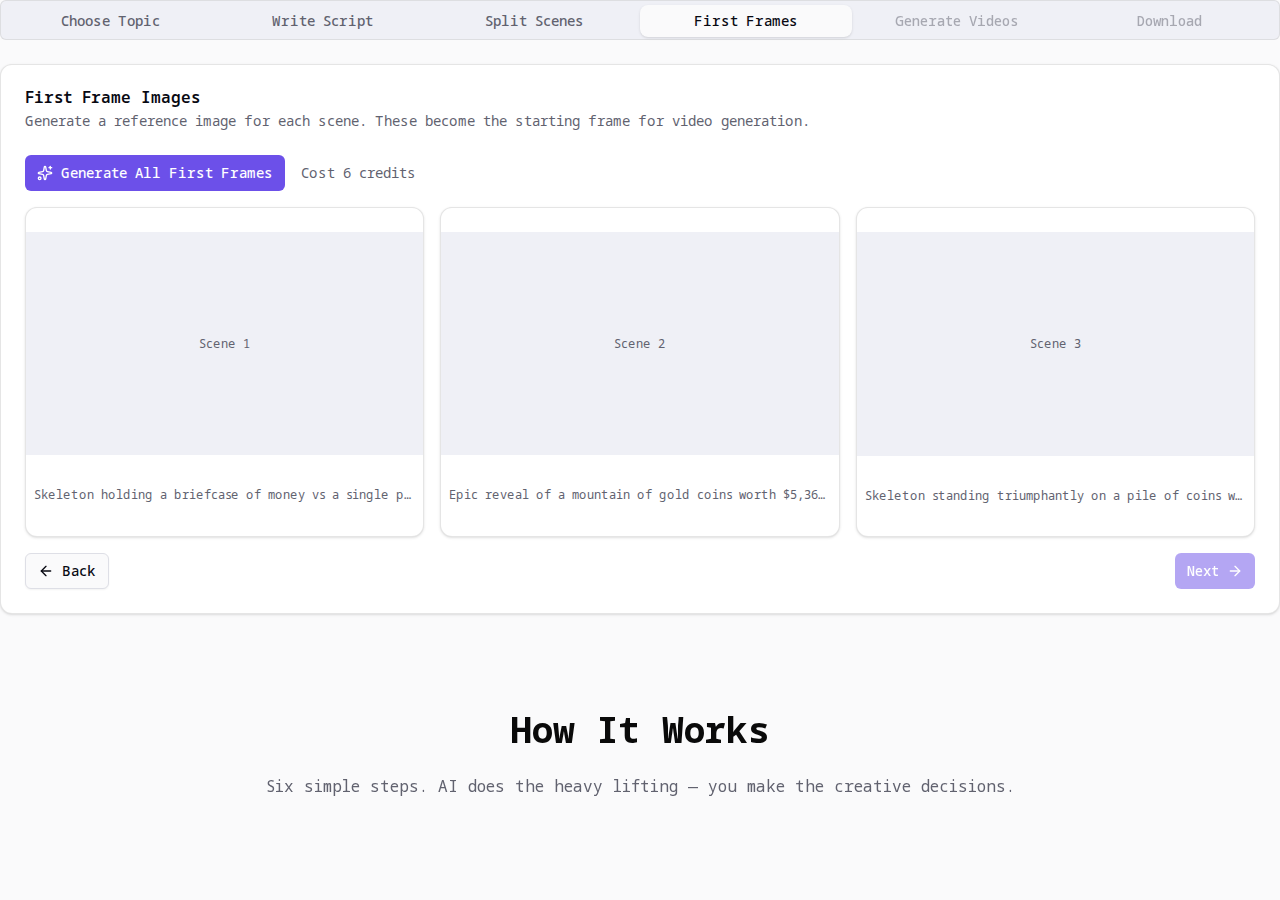
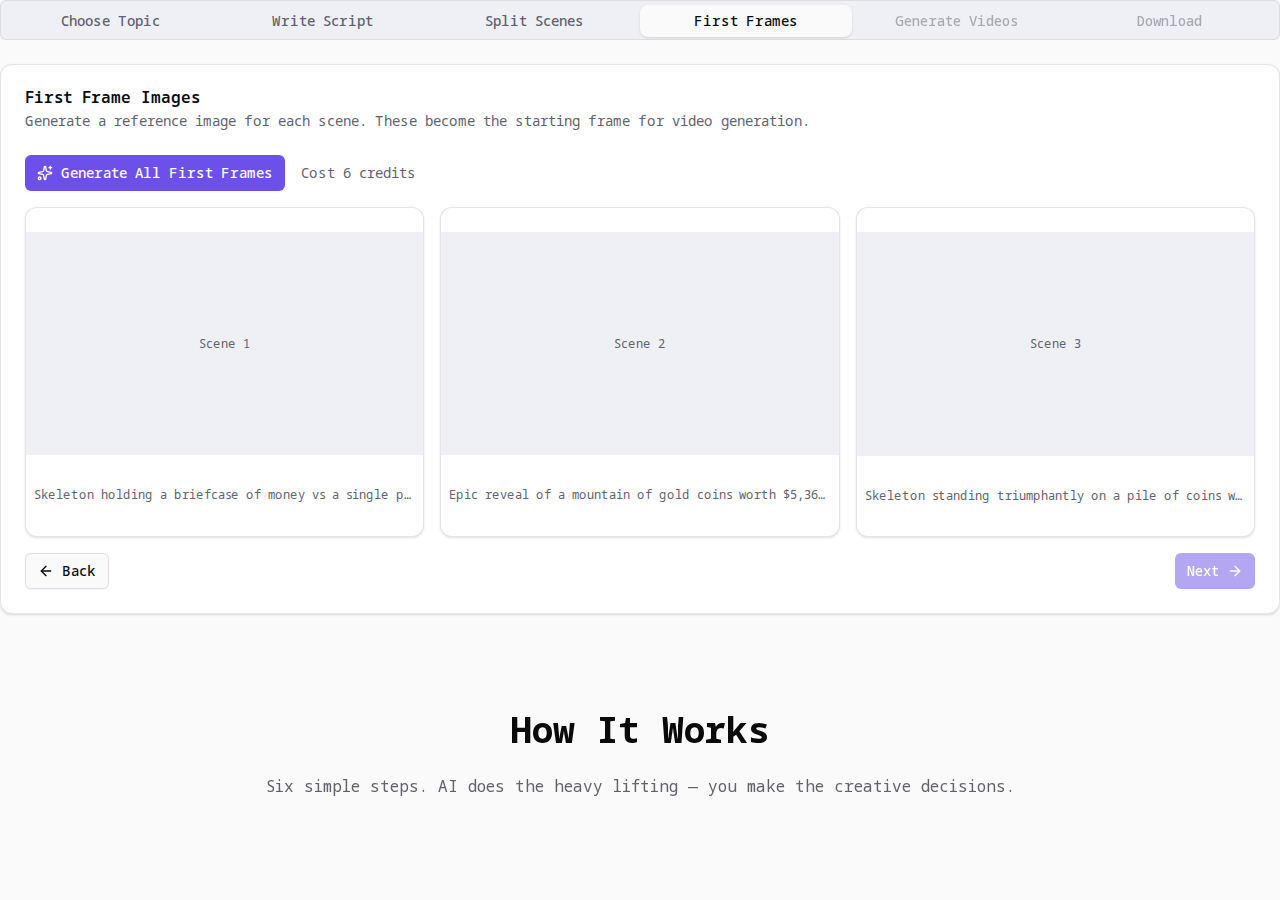
4. Generate First Frames
One click generates a reference image for every scene. These first frames become the starting point for each video clip, keeping your skeleton character consistent across all scenes.
5. Generate Scene Videos
AI animates each first frame into a short video clip. Every clip matches the scene's narration and visual style. Sit back and watch them come to life.
6. Download & Post
All scene videos are ready. Download them one by one or grab them all at once. Drop them into your editing app, add voiceover and subtitles, then post.
Time and Credits Per Step
Here's exactly where your time and credits go in a typical 6-scene video.
Generate Topics
Free. AI gives you 5 optimized topic ideas instantly. No credits required.
Write Script
Free. AI writes a voiceover script based on your topic and chosen duration. No credits required.
Split Scenes
Free. AI breaks the script into individual scenes with narration text and visual descriptions. No credits required.
Generate First Frames
2 credits per scene. Generates a reference image for each scene. For 6 scenes: 12 credits total. Takes about 30 seconds per scene.
Generate Scene Videos
10 credits per scene. Animates each first frame into a short video clip. For 6 scenes: 60 credits total. Takes 2-5 minutes per scene.
Download
Free. Download all scene videos as MP4 files in 9:16 vertical format, ready for TikTok, YouTube Shorts, and Reels.
When Do You Need a Skeleton Character?
Not every video needs a pre-made character. Here's how to decide.
Skeleton Video Showcase
See what creators are building with Skeleton AI. Each video was made using this exact workflow.

$1M Now vs Doubling 1¢ for 30 Days
The classic money dilemma explained by a skeleton narrator — a viral AI animation that breaks down compound growth.

Rich Life vs Poor Life
Which life is actually happier? A skeleton narrator explores wealth vs happiness in this AI-animated short.

Stop Time for 1 Hour vs Go Back 1 Day
An AI-animated showdown: which superpower wins? Skeleton narrator style visual storytelling.
FAQ
Common questions about the AI Video Workflow.