If you've spent any time on YouTube Shorts or TikTok, you've seen them: animated skeleton characters delivering rapid-fire explanations about everything from compound interest to what happens if you never sleep.
Skeleton shorts are short-form videos where an animated skeleton narrator explains a topic in 30 to 60 seconds. The format has become one of the most common types of educational content on short-form platforms, and AI tools have made it possible for anyone to produce them from scratch.
This guide walks you through the entire production process — picking topics, writing scripts, creating a consistent character, generating scene videos, and assembling the final cut for TikTok, YouTube Shorts, and Reels.
What Are Skeleton Shorts?
Skeleton shorts are short-form videos featuring an animated skeleton character as the narrator. The character explains facts, compares scenarios, or walks through a topic at a fast pace with frequent scene changes.
What makes the format visually distinctive is the combination of a consistent skeleton character, a dark or stylized background, and rapid scene cuts that change every few seconds. The narrator never speaks on camera — the visuals carry the story while a voiceover delivers the script.
Here are a few real examples:
 "$1M Now vs Doubling 1¢ for 30 Days" — a financial comparison explainer
"Rich Life vs Poor Life" — a lifestyle comparison scenario
"BMW in Ancient Rome" — an absurd historical "what if"
The most common content categories in this format are:
- Survival scenarios — "How long could you survive on only tap water?"
- Educational explainers — "Why do your bones make cracking sounds?"
- "What if" storytelling — "What if the Titanic sank in 2025?"
- Absurd humor — "SpongeBob's Krusty Krab in Ancient Rome"
The format works because a skeleton can be placed in any setting — inside a human body, in ancient Rome, on a molecular level — without needing actors, sets, or special effects.
Why the Format Works on Short-Form Platforms
Several factors make skeleton shorts particularly well-suited to TikTok, YouTube Shorts, and Reels:
- Instantly recognizable character. A skeleton narrator stands out in a feed full of talking-head videos. Viewers learn to recognize your specific character design, which builds channel identity over time.
- High retention through rapid scene changes. The format swaps visuals every few seconds. This matches how short-form viewers consume content — they expect something new to look at constantly. When each new sentence gets a new scene, viewers are less likely to swipe away.
- Works across TikTok, YouTube Shorts, and Reels with the same file. All three platforms accept the same 9:16 vertical MP4 format. You create one video and post it everywhere, which multiplies your reach without extra production work.
- AI makes production fast enough for daily posting. The entire pipeline — script, character, scene generation, editing — can be done in under 30 minutes per video. That makes a daily upload schedule realistic for a single creator.
The Production Workflow: Step by Step
Here's the complete process for making a skeleton short in 2026, from idea to finished video.
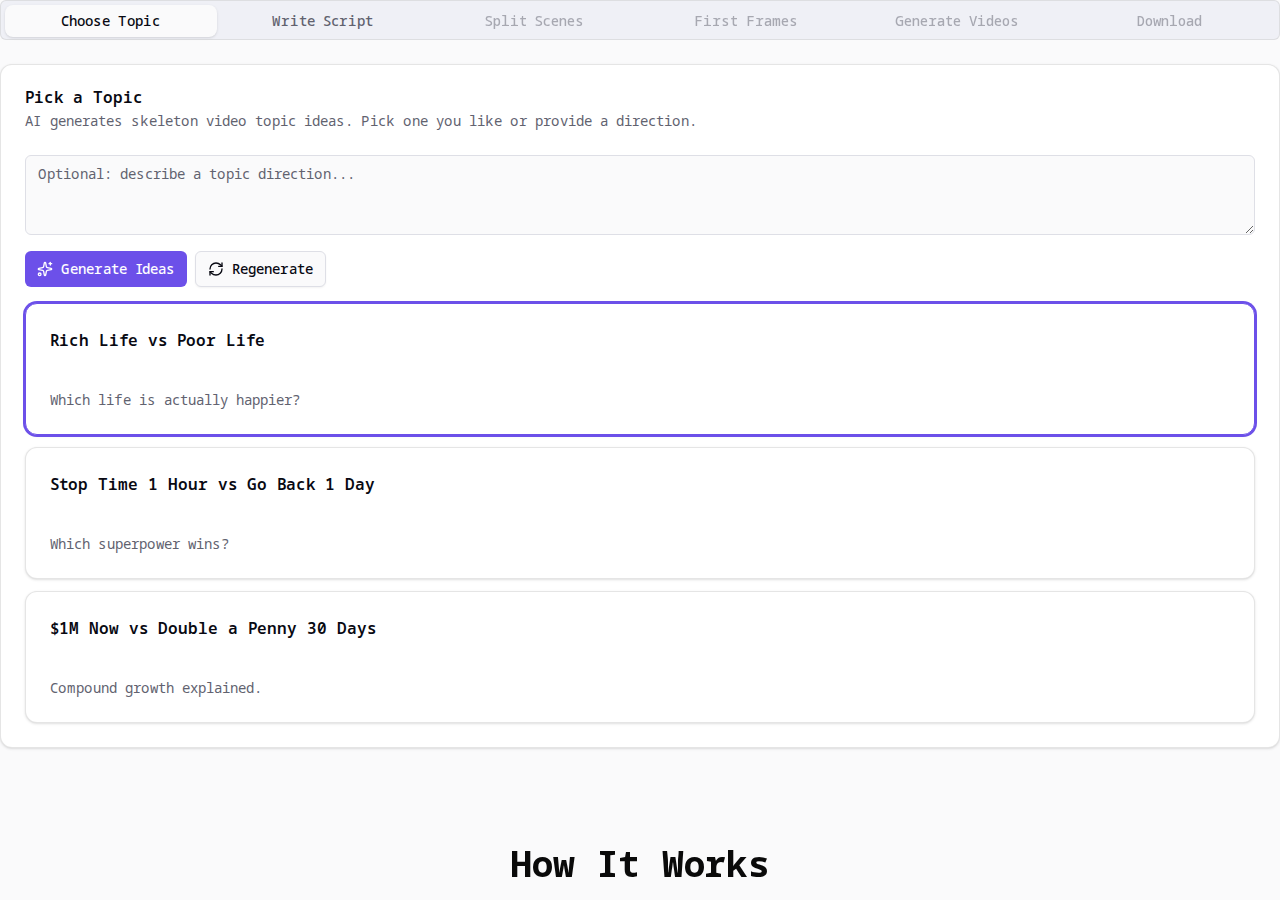
Step 1: Pick a Topic
The best skeleton shorts start with a question that creates immediate curiosity. Proven topic formats include:
- "What happens to your body if..." — health and biology explainers
- "What if you..." — hypothetical scenarios
- "... vs ..." — comparisons (rich vs poor, now vs then, X vs Y)
- "How long could you survive..." — survival and science scenarios
The key is a strong hook — a question with an answer the viewer can't easily guess. If the title doesn't make someone stop scrolling, the rest of the video doesn't matter.
Skeleton AI has a built-in topic suggestion tool that generates multiple ideas based on trending formats. Pick the one with the strongest curiosity gap and the best fit for your channel's niche.
Step 2: Write a Script
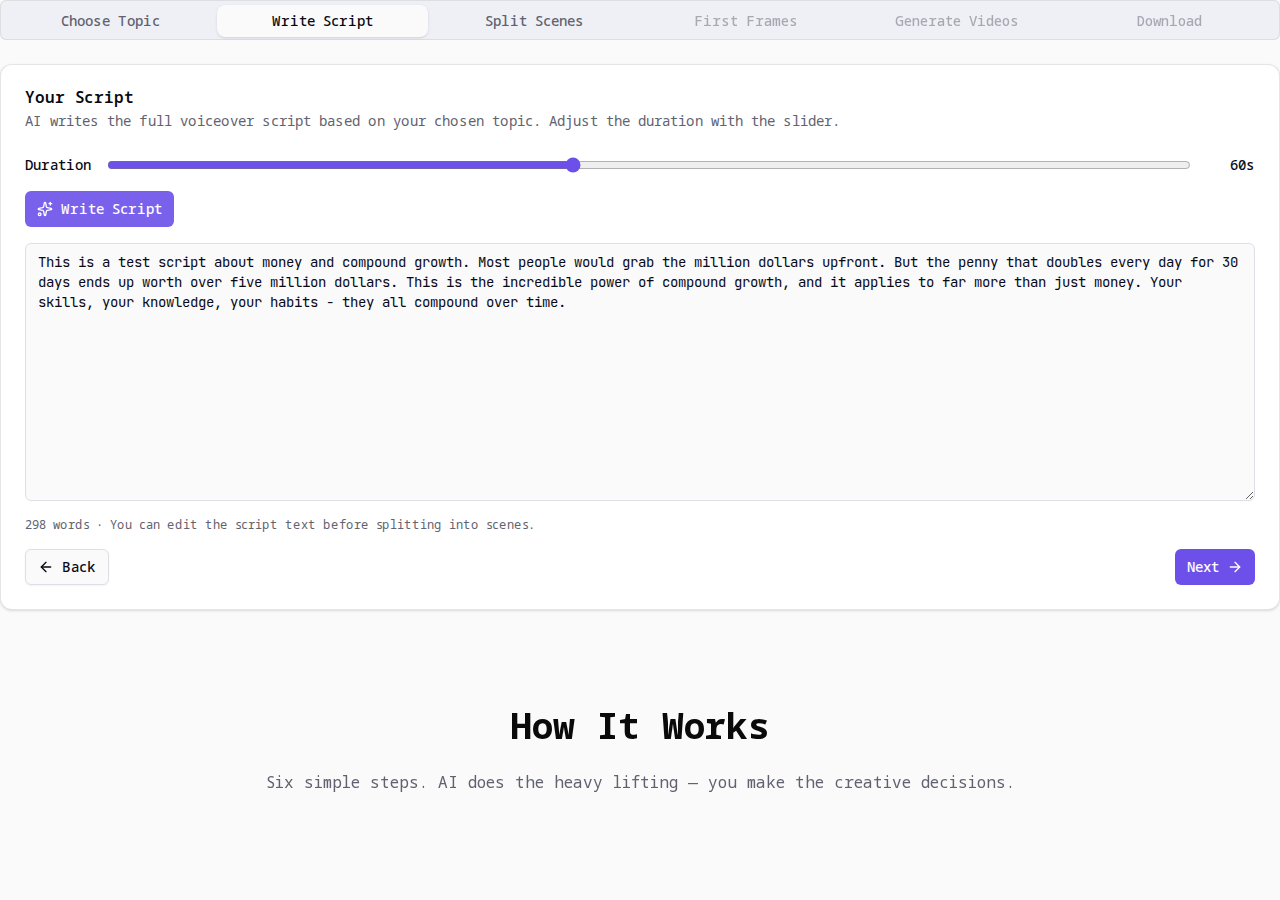
A good skeleton shorts script follows a four-part structure:
- Hook (0–3 seconds): A shocking question or bold claim
- Setup (3–15 seconds): Context — why should the viewer care?
- Body (15–45 seconds): 4–6 rapid-fire facts or scenarios
- Payoff (45–60 seconds): A surprising conclusion or twist
Keep scripts under 150 words for a 60-second video. Each fact should be one sentence — new sentence equals new scene. Short-form viewers don't wait for lengthy explanations, so every line needs to earn its place.
AI-assisted script writing can speed this up significantly. Describe your topic and target duration, and the AI generates a structured voiceover script you can edit until it reads naturally. Our AI Video Workflow tool handles script generation as part of the end-to-end pipeline.
Step 3: Create Your Skeleton Character
This is the step that most beginners skip, and it's the one that separates professional-looking channels from obviously AI-generated content.
A character reference sheet shows your skeleton from multiple angles on a single image. When you use this as a reference during video generation, the AI keeps your character visually consistent across every scene — same face structure, same eye glow color, same clothing, same proportions.
Without a reference sheet, your skeleton will look slightly different in every scene. Viewers notice this, even if they can't articulate why. Consistency builds trust and makes your channel feel polished.
Generate your reference sheet once and reuse it for every video. You can create one in minutes using the Skeleton Photo Generator, which produces multi-angle character sheets designed specifically for video generation workflows.
Step 4: Generate Scene Videos
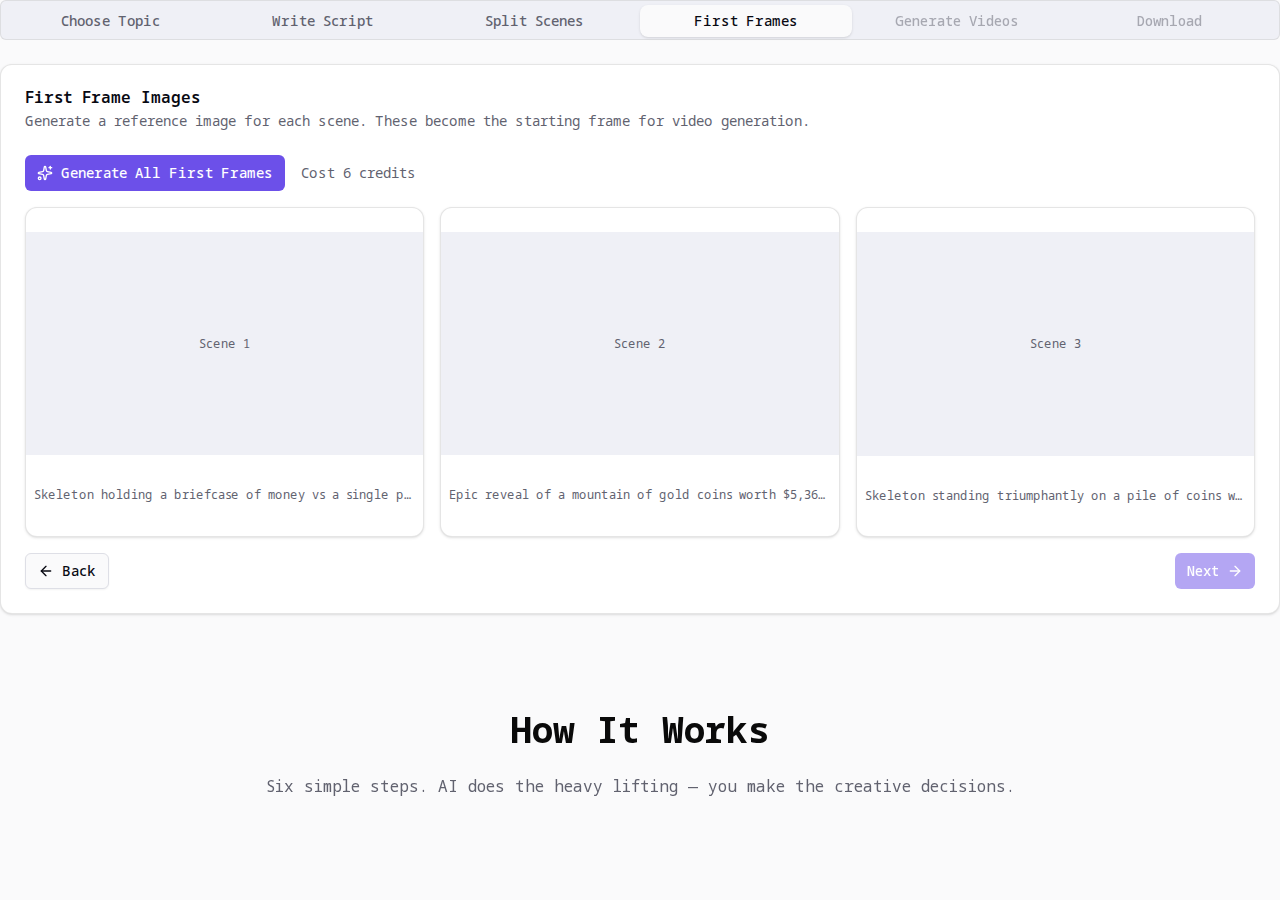
With your script broken into scenes and your character reference ready, it's time to generate the actual video clips.
Most AI video platforms support two input modes:
- Text-to-video: Describe the scene in words, and the AI generates a clip from scratch
- Image-to-video: Upload your character reference or a first-frame image, and the AI animates it
Image-to-video generally produces more consistent results because you control what the character looks like before animation begins.
Model choice matters. The leading options in 2026 are Seedance (strong character consistency), Google Veo (high cinematic quality), and Grok (fast generation). If you also want to experiment with newer open-weight video models, MiniMax H3 AI video model is worth testing for multi-reference workflows. Each option has trade-offs in speed, cost, and output style. The Skeleton Video Generator supports several production-ready models, so you can test which one works best for your character style.
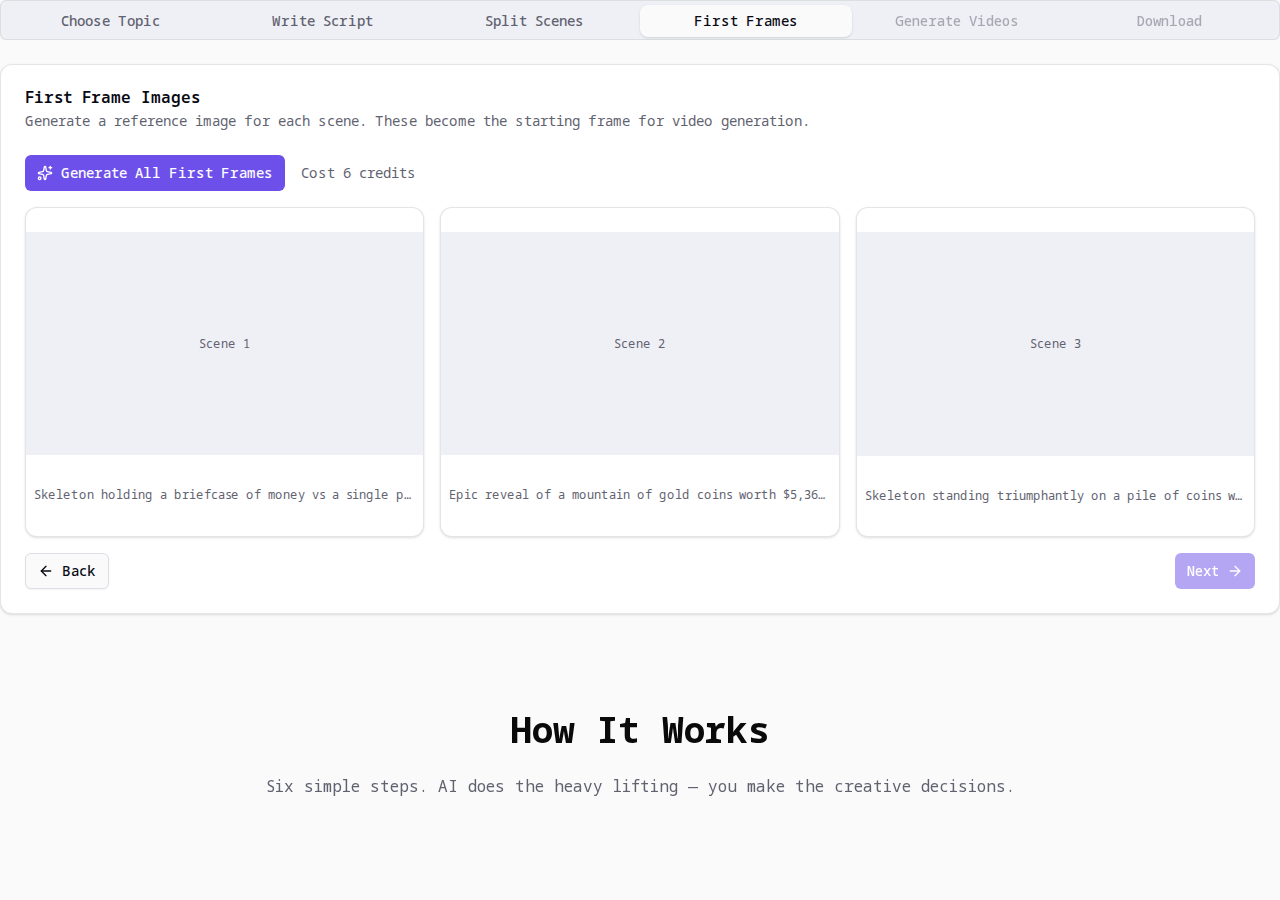
First, the AI splits your script into individual scenes — each with narration text and a visual description.
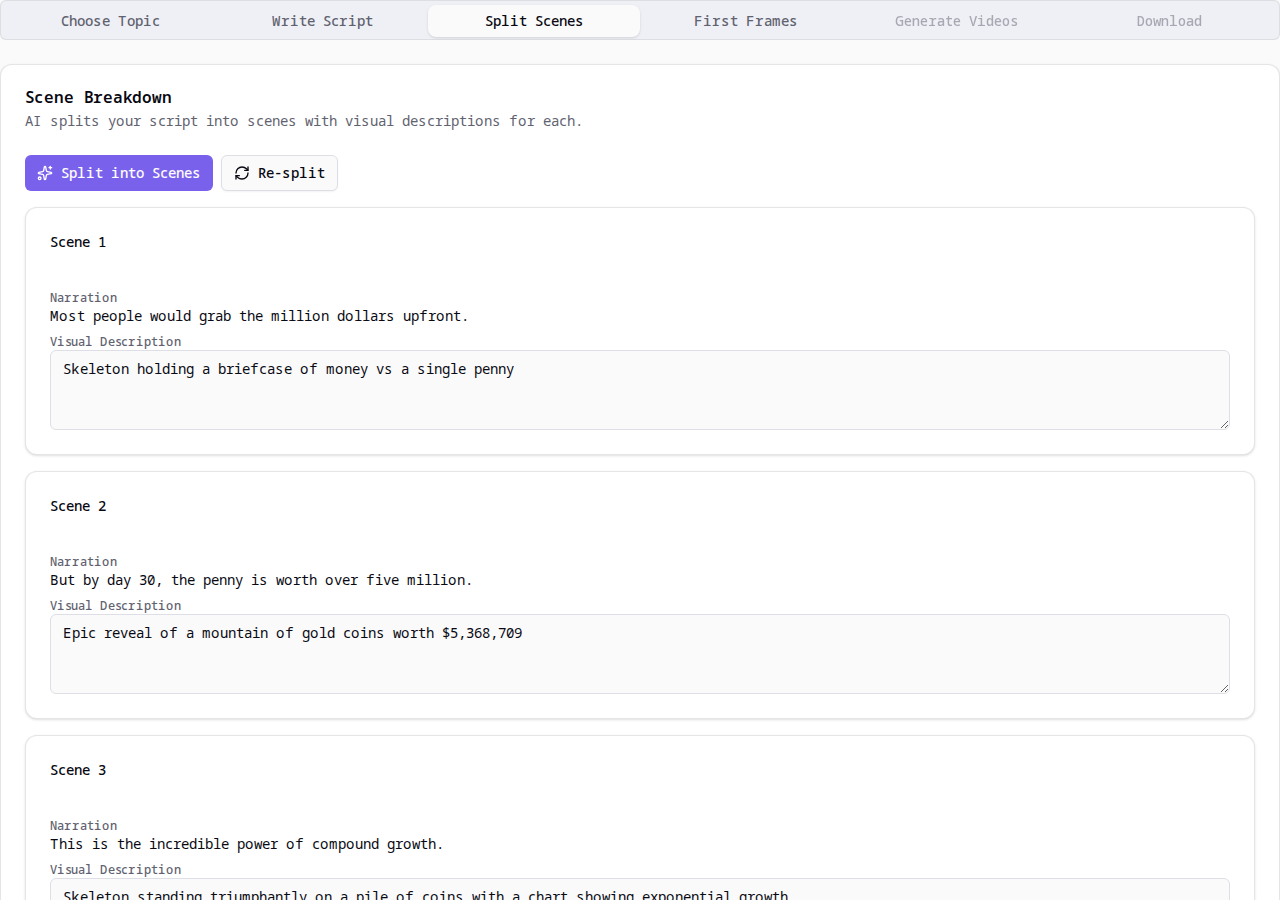
Then it generates an animated video clip for each scene.
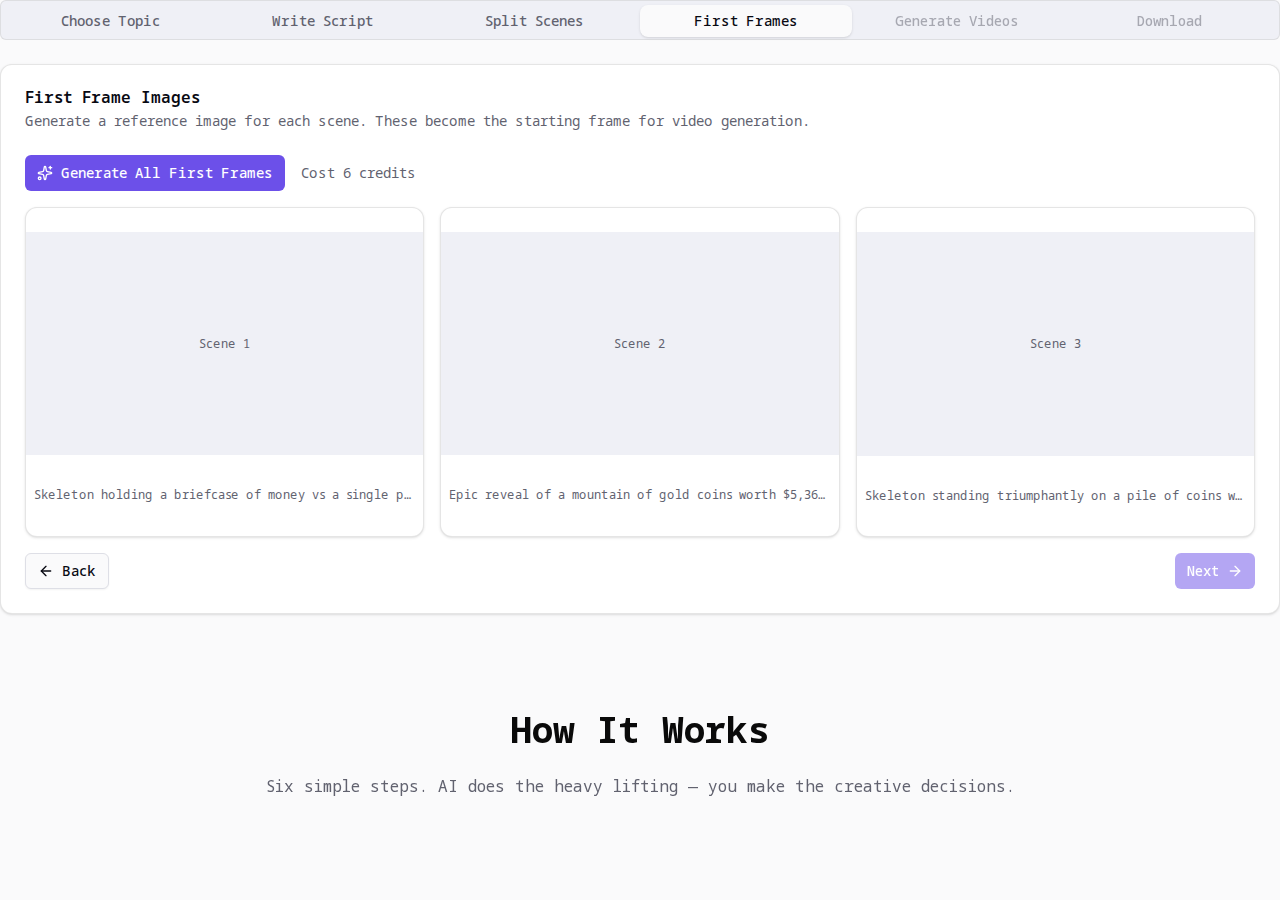
A typical 6-scene video generates all clips in 15–30 minutes.
Step 5: Assemble and Export
Download your scene clips and assemble them into a final video. This is where the editing pass happens.
Key editing principles:
- Cut on the beat. New sentence equals new angle or scene. Never let a visual stay on screen longer than one sentence.
- Add subtitles. A significant portion of short-form viewers watch without sound. Every skeleton short needs burned-in captions.
- Background audio. Use a consistent music style across your videos. Low, atmospheric tracks work better than anything that competes with the voiceover.
For a complete end-to-end editing workflow including voiceover generation and subtitle timing, see the AI Video Workflow guide.
Character Consistency: Why It Matters
In a multi-scene skeleton short, the viewer sees your character 6 to 12 times in under a minute. If the skeleton's face shape, eye color, or clothing changes between scenes, the video feels amateurish — even if the script and animation quality are good.
The consistency problem is the main technical challenge in AI-generated character content. Each video generation call is independent, so the AI has no memory of what your character looked like in the previous scene. Without a reference, small variations compound across clips.
A reference sheet solves this by giving the AI a visual anchor. When you upload the same reference image for every scene, the AI has a concrete target to match. This doesn't guarantee pixel-perfect consistency, but it dramatically reduces the visual drift between scenes.
Creators who need consistency the most are those posting daily (the same character appears across dozens of videos) and those making educational content (where viewers need to trust the information and the source). For educational use cases specifically, our Educational Skeleton Videos guide covers style-to-topic matching and character design choices tailored to explainers.
To generate a reference sheet, use the Skeleton Photo Generator — it creates multi-angle character views designed to work as inputs for video generation models.
Common Mistakes to Avoid
-
No hook in the first 3 seconds. If the opening doesn't create immediate curiosity, viewers swipe away before your skeleton even appears. Test your title as a hook: does it make you want to know the answer?
-
Inconsistent character design across scenes. When your skeleton's face, outfit, or proportions shift mid-video, viewers notice — even subconsciously. Always generate a reference sheet before producing any scene videos.
-
Scripts that are too long. Anything over 150 words will exceed 60 seconds of narration, and anything over 90 seconds of video hurts retention on short-form platforms. Cut ruthlessly. If a fact doesn't directly support the hook, remove it.
-
Not matching scene visuals to narration. If the voiceover says "inside your bloodstream" but the skeleton is standing in a desert, viewers get confused. Each scene's visual description should directly illustrate the corresponding line of narration.
-
Posting without any captions. A large share of TikTok and Reels viewers watch with sound off. Burned-in subtitles are not optional — they're part of the format.
FAQ
Where to Go Next
- Ready to create? Start with the AI Skeleton Video Generator
- Want to understand the full production chain? Read the AI Video Workflow Guide
- Need a consistent skeleton character? Use the Skeleton Photo Generator
- Creating educational content specifically? Check out our Educational Skeleton Videos Guide